Why Product Videos Matter in 2025
In today’s content-driven world, product videos are more than just marketing tools. They’re storytelling devices. A simple bag photo can look flat on its own, but when paired with cinematic shots, smooth editing, and a viral track, it transforms into something people stop scrolling for.
That was exactly my vision when I decided to create a bag showcase video for my social handle. Instead of just snapping a few shots, I wanted to show the entire process — from behind-the-scenes (BTS) setup to the final polished edit in Premiere Pro.
Setting the Stage: Preparing the Bag Shoot
The first challenge was making the bag look like the hero of the frame. For this:
- We used a simple, minimal backdrop so nothing competed with the bag.
- Positioned the bag at different angles — front-facing, side profiles, and detail close-ups of zippers and textures.
- Used a wide frame BTS shot to capture the environment, cables, lights, and the founder of The Vintage Shutter Films helping behind the lens.
This wide shot wasn’t just for documentation — it showed the audience that professional results don’t happen in a polished studio alone; they happen in real spaces with planning and teamwork.
Lighting Setup: Diffuser to the Rescue
Product photography demands consistency. Bags, especially, can catch unwanted reflections or harsh light spots because of their textures.
We had one overhead light that created a distracting hotspot on the surface of the bag. The fix? A diffuser. By placing it between the light and the bag, we softened the glow, balancing shadows and highlights.
The difference was instant: instead of shiny patches, the bag looked evenly lit, with details in fabric and stitching clearly visible.
Capturing Multiple Shots
To make the edit dynamic, I shot the bag from different perspectives:
- Wide shots → Showed the bag in full frame, giving context.
- Medium shots → Focused on usability and shape.
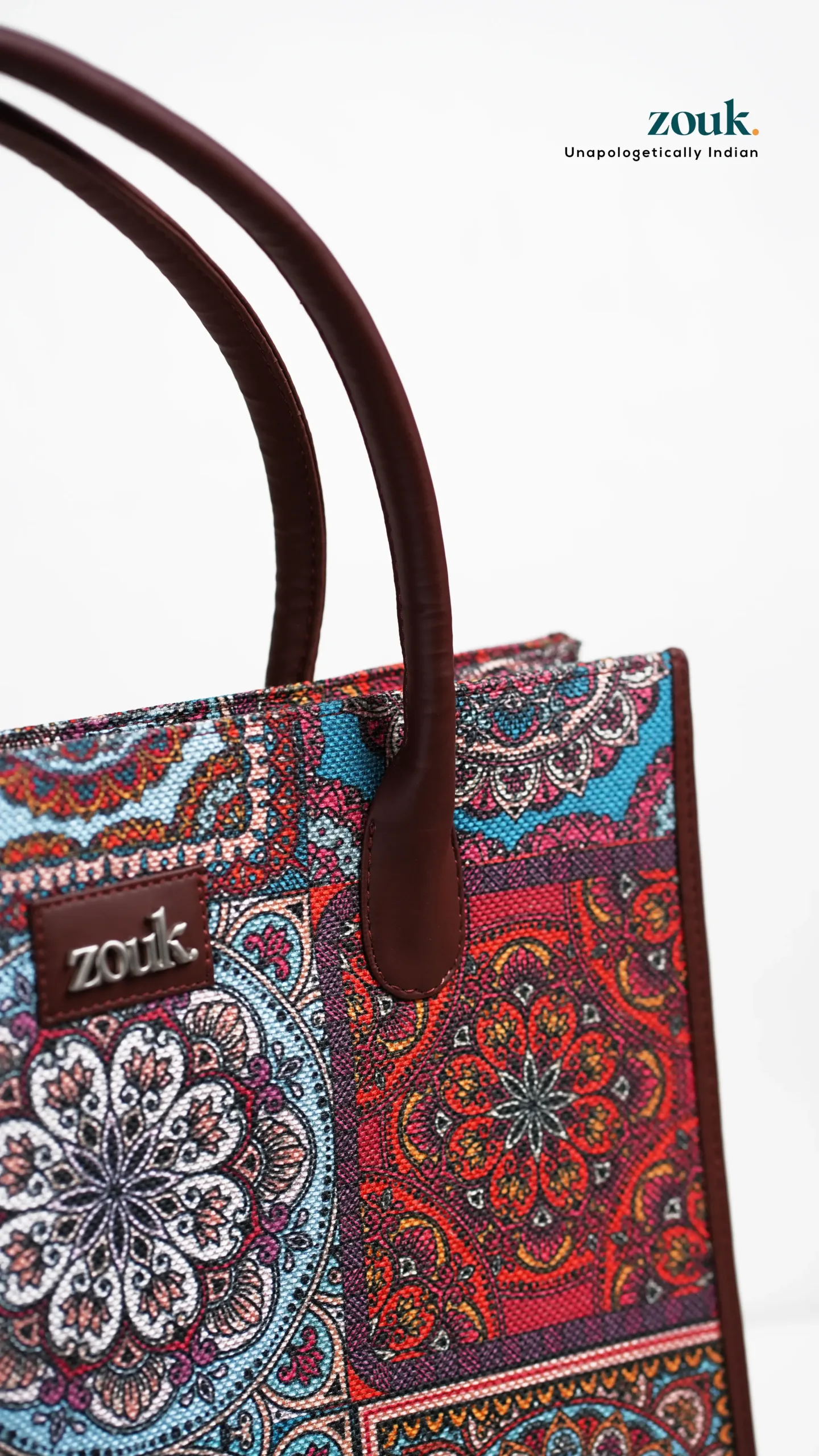
- Close-ups → Highlighted texture, stitching, and material.
- Tracking shots → The camera moved slowly across the bag, creating motion for transitions.
These angles made editing flexible. Instead of forcing transitions, I had enough variety to cut to the beat of the viral track.
Shooting with Transitions in Mind
One of the biggest lessons I’ve learned as a creator is: shoot for the edit. If you want smooth transitions, you need shots that naturally connect.
For this bag video, I made sure:
- Tracking shots ended on a similar frame where the next clip could begin.
- Close-ups included movements like a zipper pull, which made a great transition point.
- Wide shots gave breathing room between cuts.
By thinking this way, I saved hours in the editing room later.
Editing the Bag Showcase in Premiere Pro
With the footage ready, I jumped into Premiere Pro. This was where the bag transformed from simple clips into a cinematic sequence.
Step 1: Syncing with the Viral Track
The viral track was the backbone. I aligned cuts to the beat, letting transitions feel natural instead of forced.
Step 2: Adding Smooth Transitions
I used:
- Mask transitions for seamless wipes.
- Speed ramps to add energy during the beat drop.
- Cross dissolves for subtle changes between still shots.
Step 3: Enhancing with Color Grading
I kept the tones neutral but boosted contrast so the bag stood out. For close-ups, I warmed the highlights to emphasize texture.
Step 4: Final Polish
Tiny tweaks — adjusting clip lengths, refining transitions, and syncing movement to music — gave the video its flow.
The BTS Element
One of the highlights of the project was showing the The Vintage Shutter Films founder in action during BTS moments. He was captured adjusting lights, moving reflectors, and double-checking the frame.
These shots gave the audience more than just a tutorial — they gave authenticity. People don’t just connect with polished videos; they love seeing the messy, real process that leads to the final product.
The Final Bag Showcase
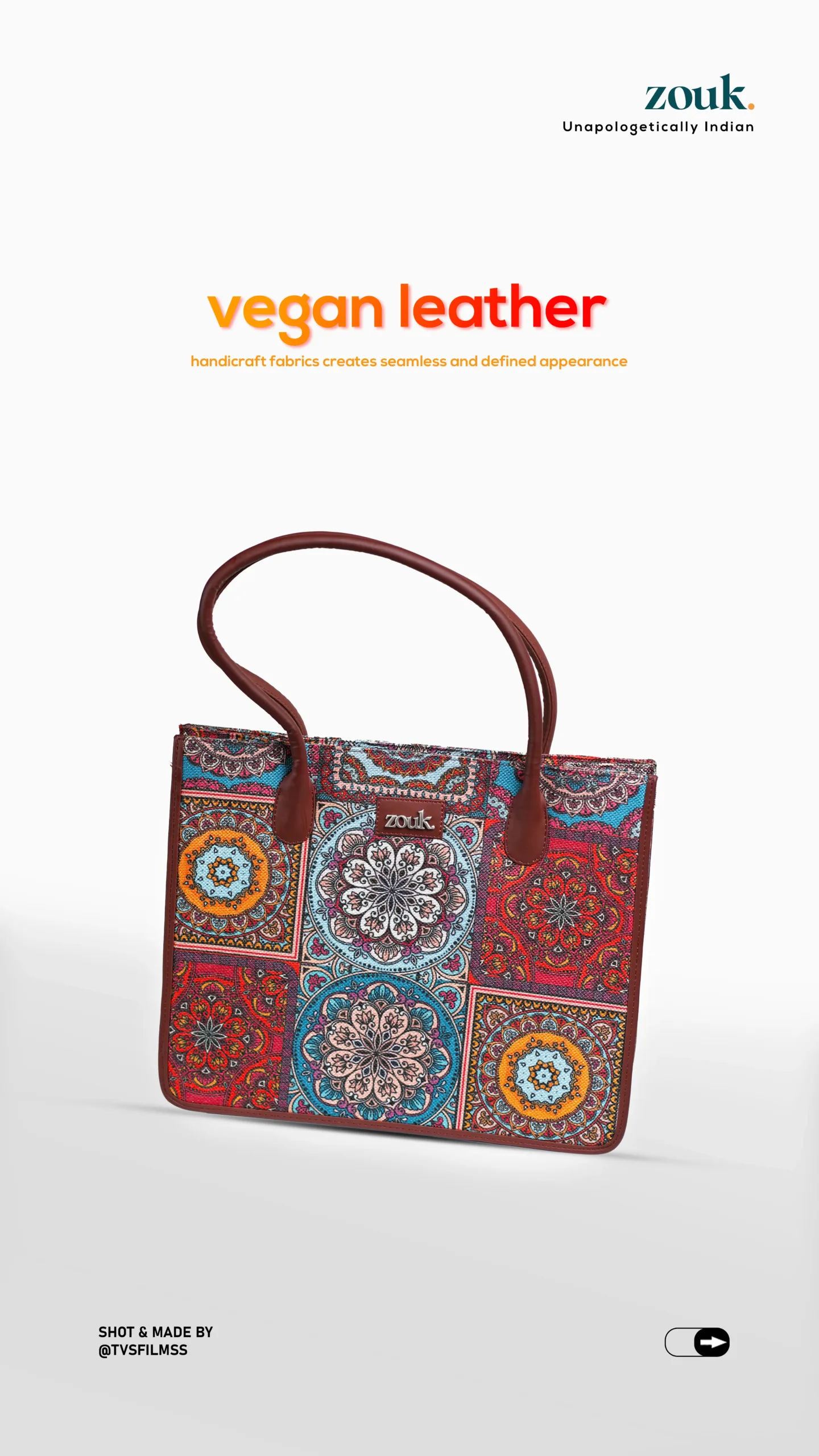
After editing, syncing, and grading, the final result was a sleek, scroll-stopping video where the bag looked stylish and desirable. The smooth transitions kept the audience hooked, and the viral track gave it that extra push for shareability.
By blending product videography with storytelling through BTS, the video not only showcased the bag but also gave viewers insight into how it was made.
What We Learned from This Shoot
Every project teaches something new. Here are my biggest takeaways from this one:
- Plan with editing in mind. Smooth transitions don’t happen by accident.
- Lighting is everything. The diffuser saved the bag’s texture.
- Multiple shot types keep videos engaging. Wide + close-ups = balance.
- Sync with sound. A viral track can elevate visuals dramatically.
- Show the BTS. Audiences connect with authenticity.
Final Thoughts
A bag showcase video may sound simple, but when crafted with the right setup, lighting, and editing, it becomes so much more than just a product clip. It becomes a story.
By combining BTS wide shots, diffused lighting, smooth Premiere Pro transitions, and a viral audio track, this video captured both the product and the process.
For me, the most rewarding part wasn’t just the polished edit but sharing the behind-the-scenes journey. Because when audiences see the effort, teamwork, and creativity behind the final frame, the content connects on a whole new level.